Live demos
Ten examples, with the settings that produce them.
Each demo opens on its own page with the placement, entrance, dismissal and frequency written out, so you can copy the configuration rather than guess at it.
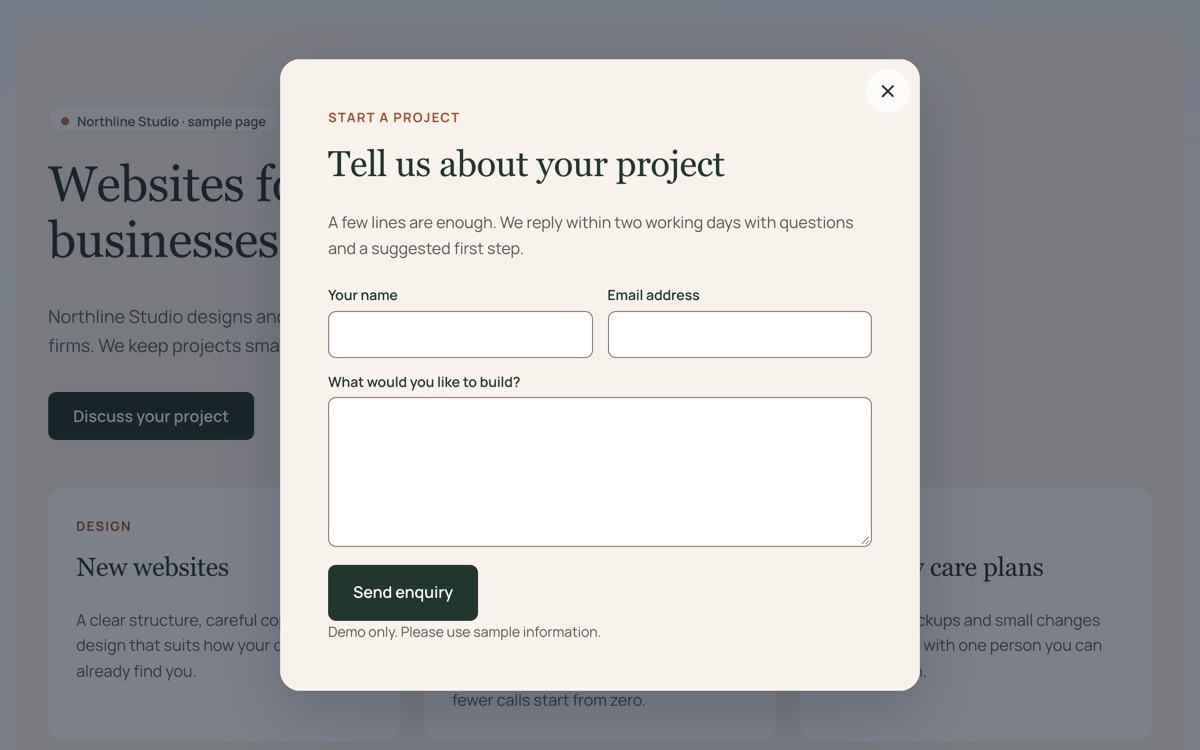
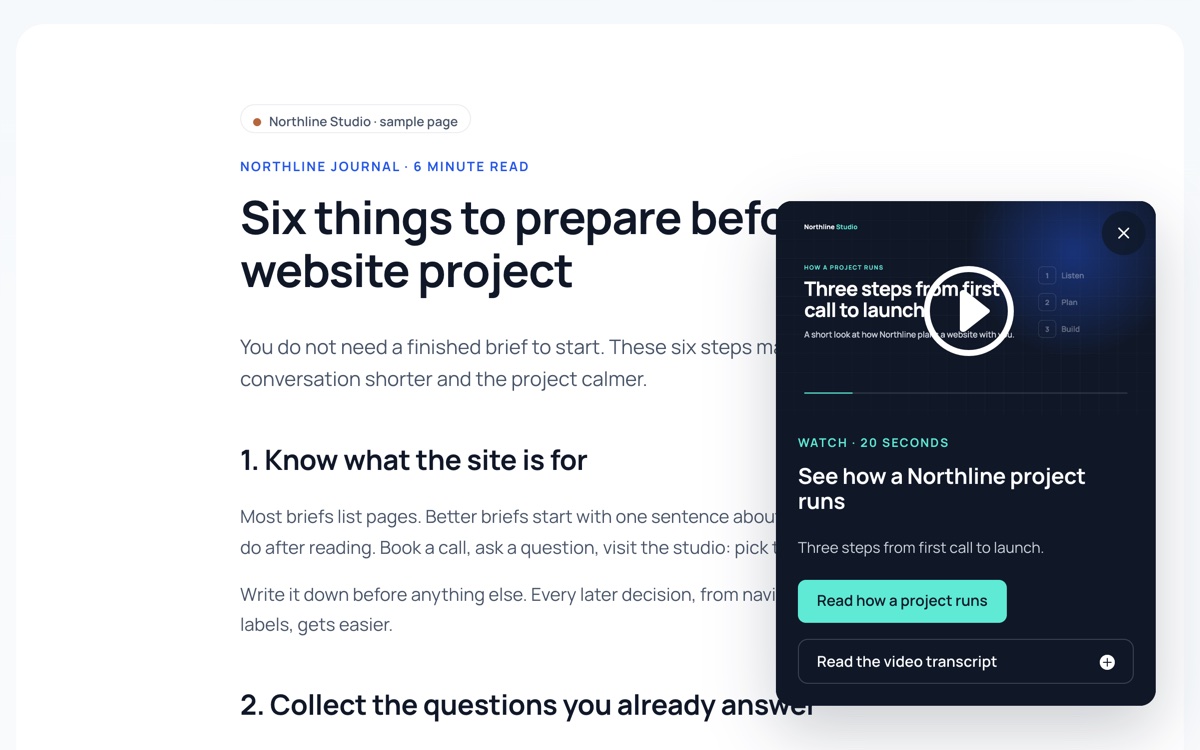
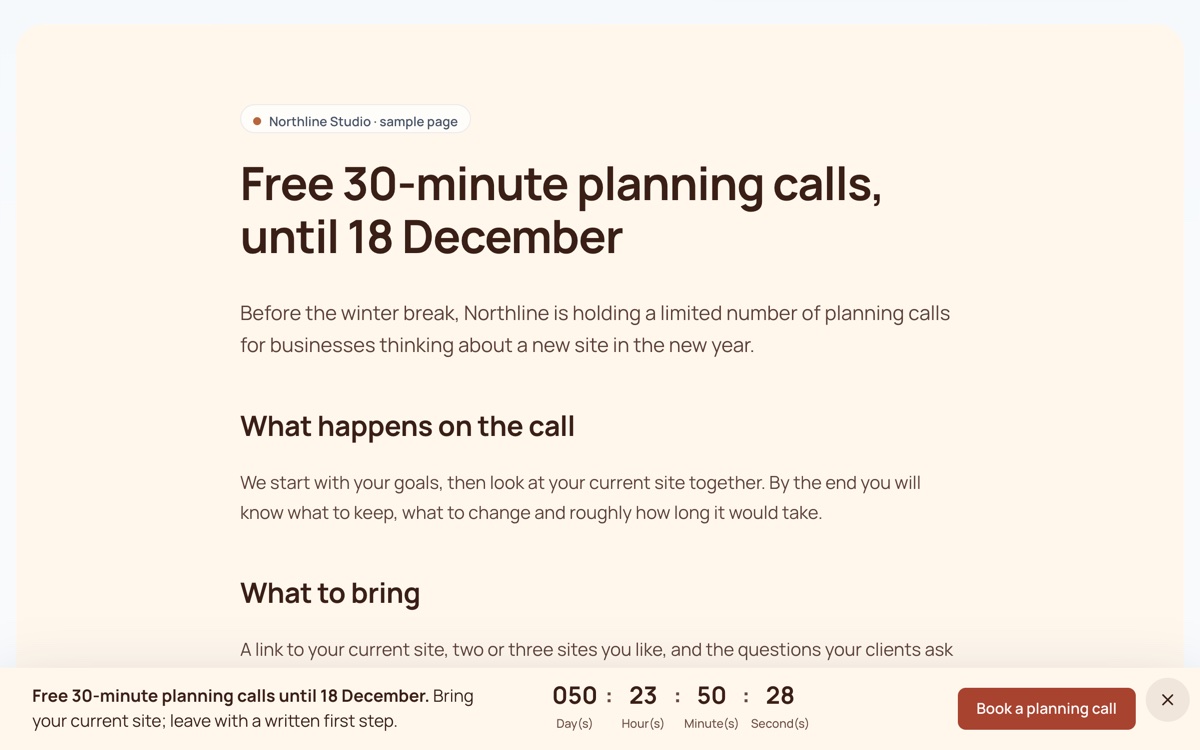
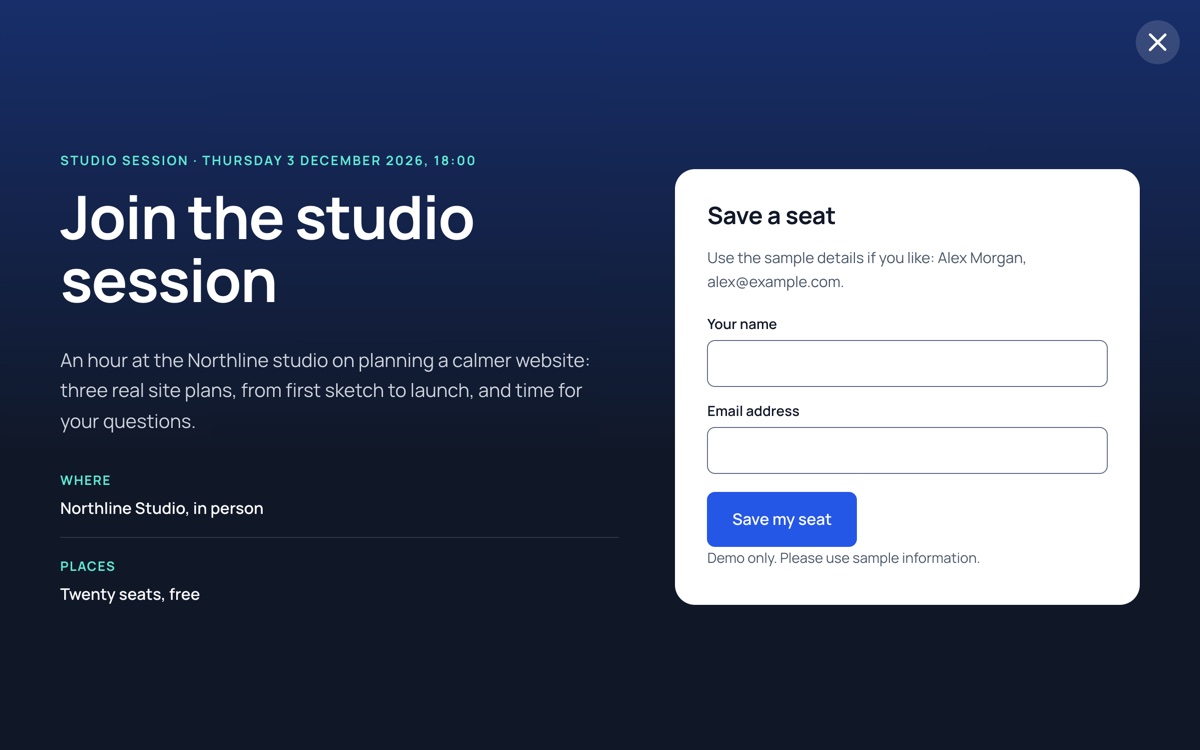
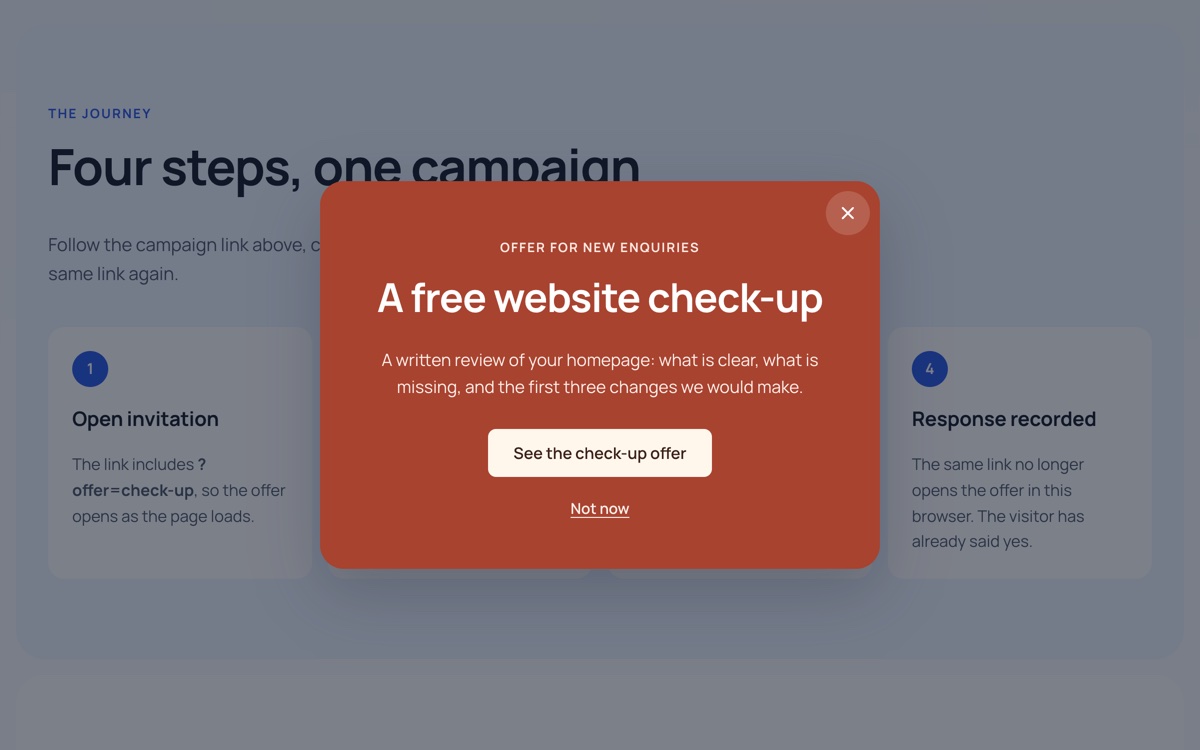
Every demo is a real Divi Smart Popup campaign running on this WordPress site, designed with Divi 5 modules. The thumbnails are screenshots of each popup open over a sample client site.
 Element clickcentre
Enquiry form in a centre modal
A short project enquiry that opens over the page when a visitor asks for it, so they keep their place.
See how it is built
 Scroll depth, 55%corner
Video slide-in after a long read
A corner card offers a 20-second studio video once a reader is more than halfway down the page.
See how it is built
 Page load, 2sbar
Announcement bar at the top
A slim bar announces the studio open day two seconds after the page loads, with one link to the details.
See how it is built
 Page load, 4sbar
Offer bar with a countdown
A bottom bar keeps a free planning-call offer, with a live countdown, within reach while the visitor reads.
See how it is built
 Inactivity, 15sfullscreen
Full-screen invitation after a pause
One invitation takes the whole screen when a visitor stops interacting with the page for 15 seconds.
See how it is built
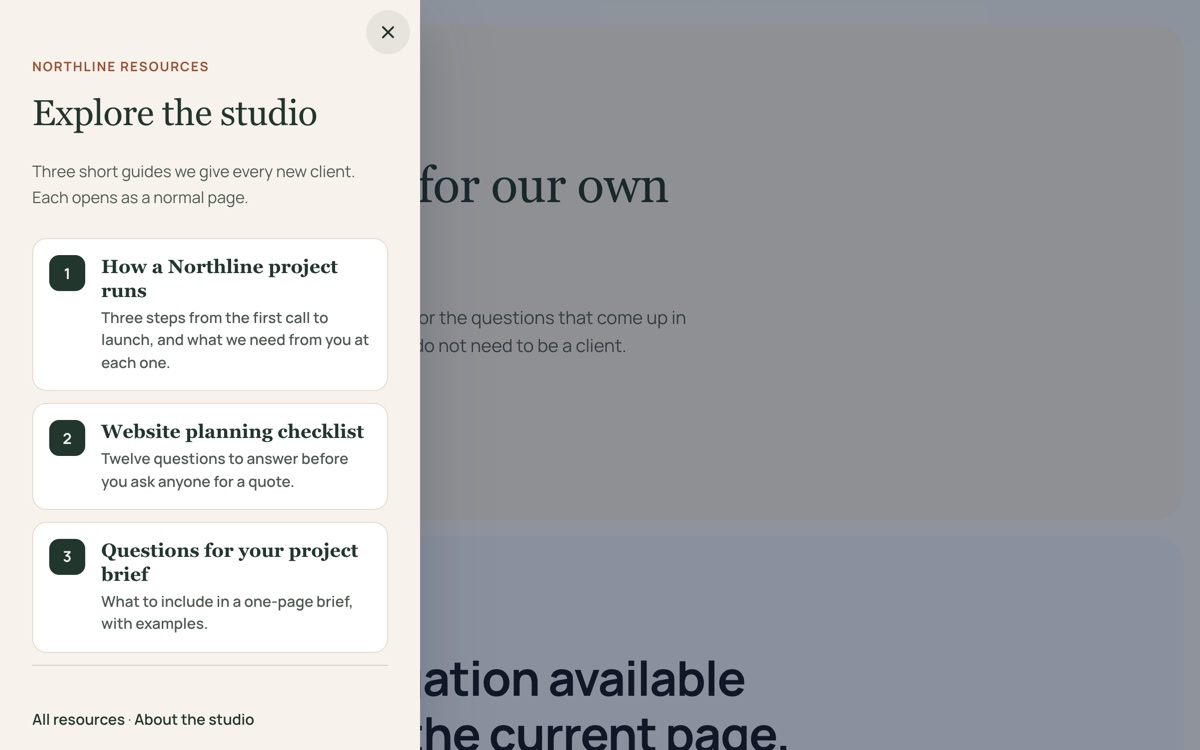 Element clickdrawer
Resources drawer from the left
A side panel with three short guides opens beside the page, so visitors can browse without leaving it.
See how it is built
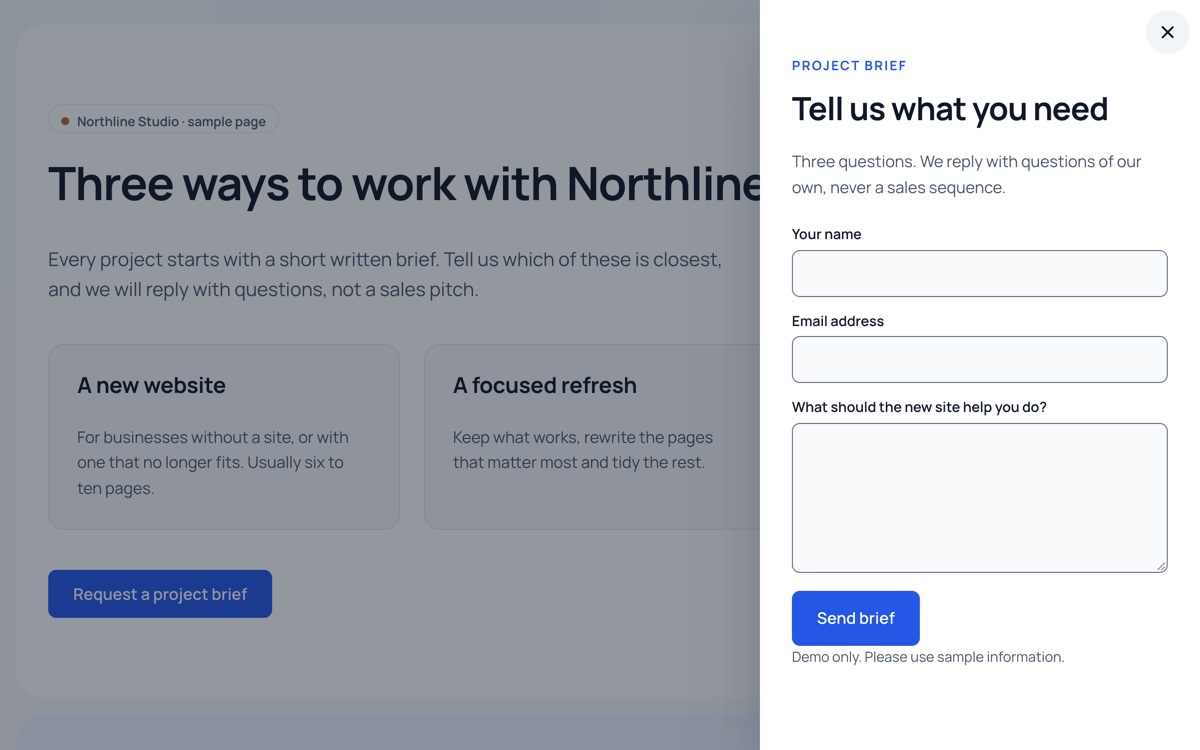 Element clickdrawer
Project brief in a right drawer
A three-question project brief opens beside the page the visitor is already considering.
See how it is built
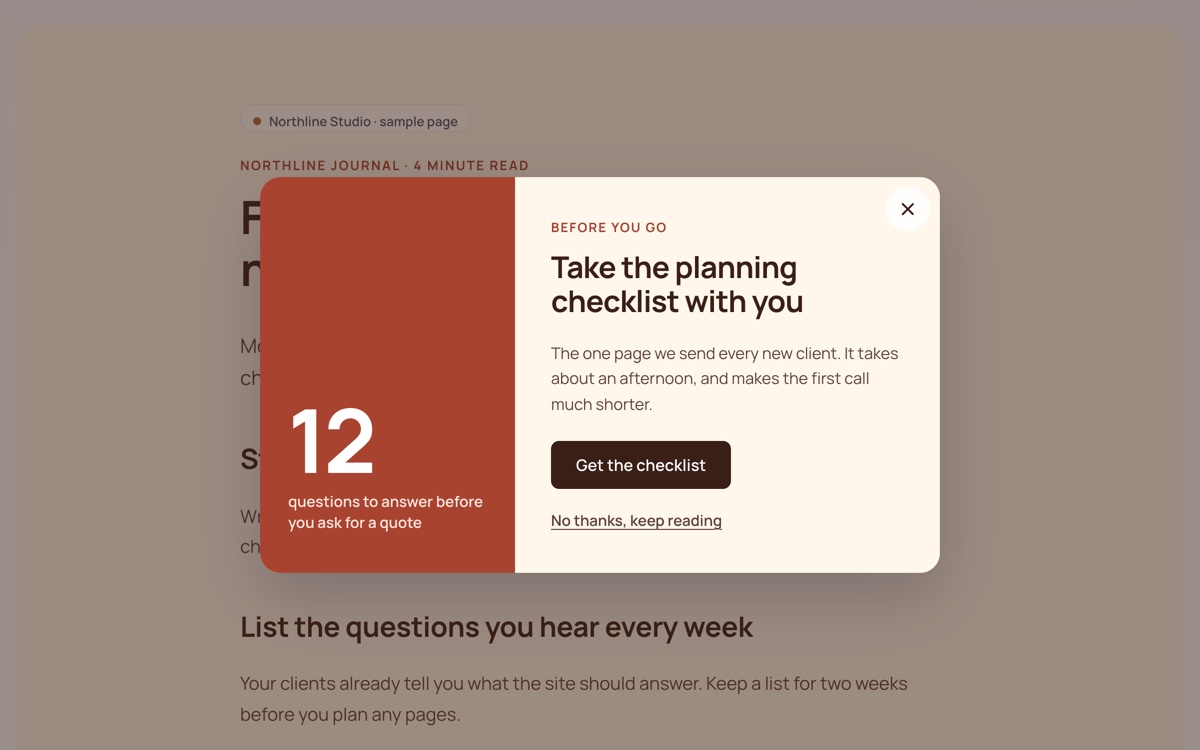 Exit intentcentre
Exit offer on an article
A centre dialog offers a planning checklist when a reader moves toward the address bar.
See how it is built
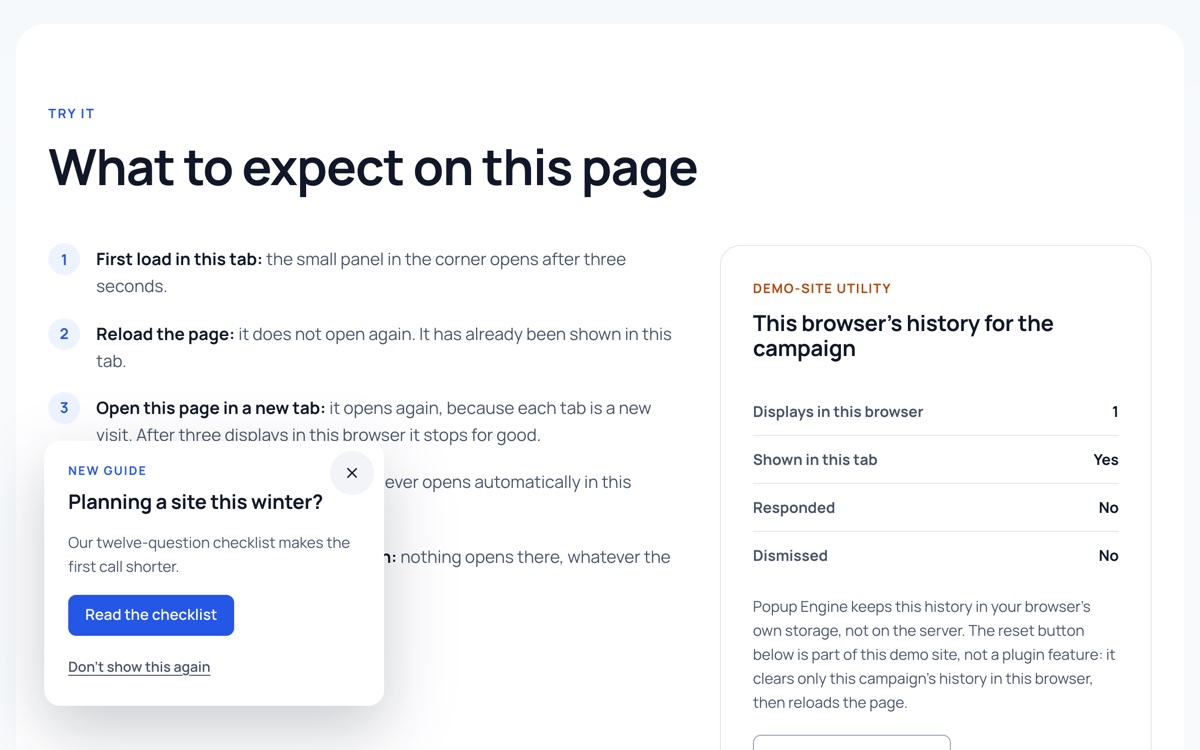 Page load, 3scorner
A notice with visitor rules
A small corner notice appears three seconds after arrival, at most once per visit and three times in all.
See how it is built
 URL parametercentre
Offer opened by a campaign link
A link from an email or advert opens a matching offer as the page loads; choosing it counts as the goal.
See how it is built
Ready to build your own?
Every demo here is a Divi Smart Popup campaign you can rebuild on your own site in minutes.